Projects
 Projects
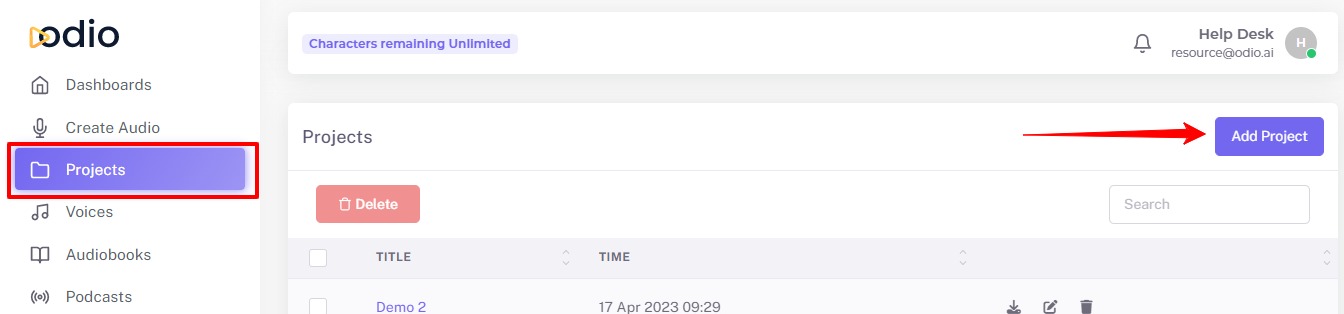
Click "Projects" in the left-hand navigation bar. Then you can see the "Add Project" button, Click it.
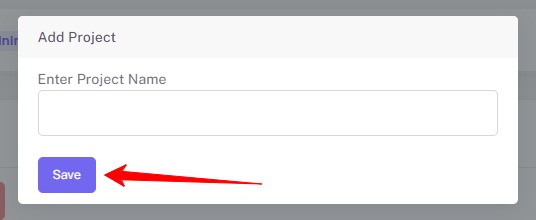
Enter Project Name and click on Save button
Manage Your Audio Files in Project: You can move your audio files to the project folder. This makes it very easy for you to manage a lot of audio files for various projects.
You can select multiple audio files using the check box and move them together in the project folder.
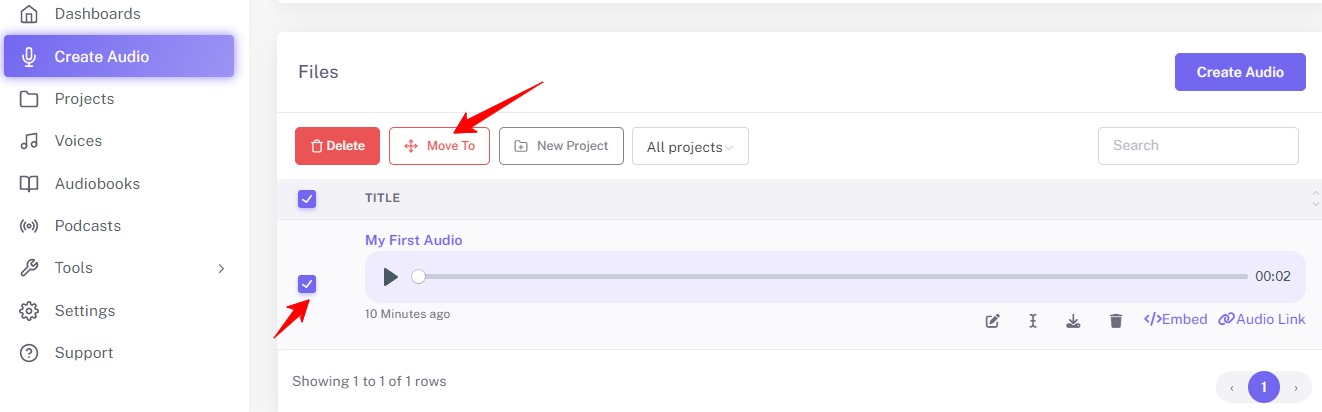
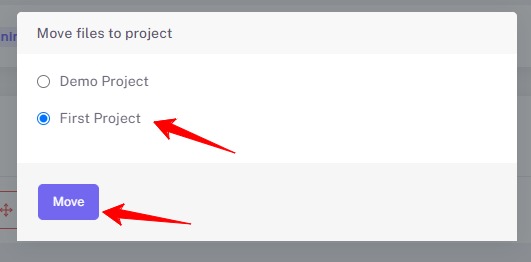
When you click "Move To", the popup window will open with the name of all the projects. You can choose which project to move files and click on "Move" button.
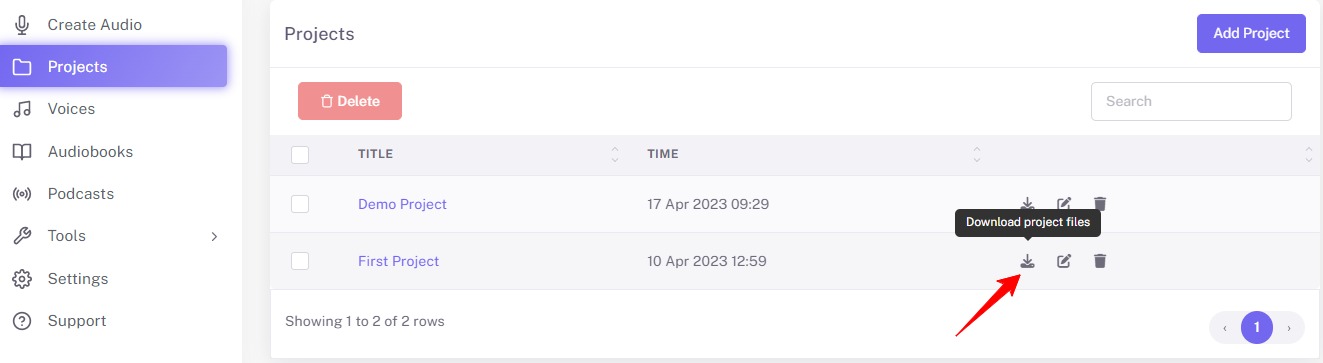
You can able to download all project files together.